Today’s plan
A fresh plan every day in five blocks (Warm up, Learn, Fix, Connect, Perform), weighted by deadlines, confidence and tempo progress.
Practice planning for musicians
Most practice begins at the top of the piece and runs out of time before the hard bars. Practice Coach builds each day’s plan around the passages that need you most, so the time you have goes where it counts.
Invitation only for now. Works for any instrument.
On the web and Android. iPhone coming soon.
Today
45m · Summer Guitar Festival in 21 days
AWhy a plan
The sonatina is nearly there. The étude has that one passage you keep avoiding. There’s a lesson on Thursday and a festival in three weeks. You’re juggling all of it before you’ve played a note.
Most of us do. It’s usually the piece that already goes well, and it gets played again from the beginning. The hard bars get whatever time is left.
It weighs how close each deadline is, how long since you played each piece, how you rated it and how far it is from tempo. Then every piece gets its minutes, and a reason you can read.
How the plan is built
BThe whole piece
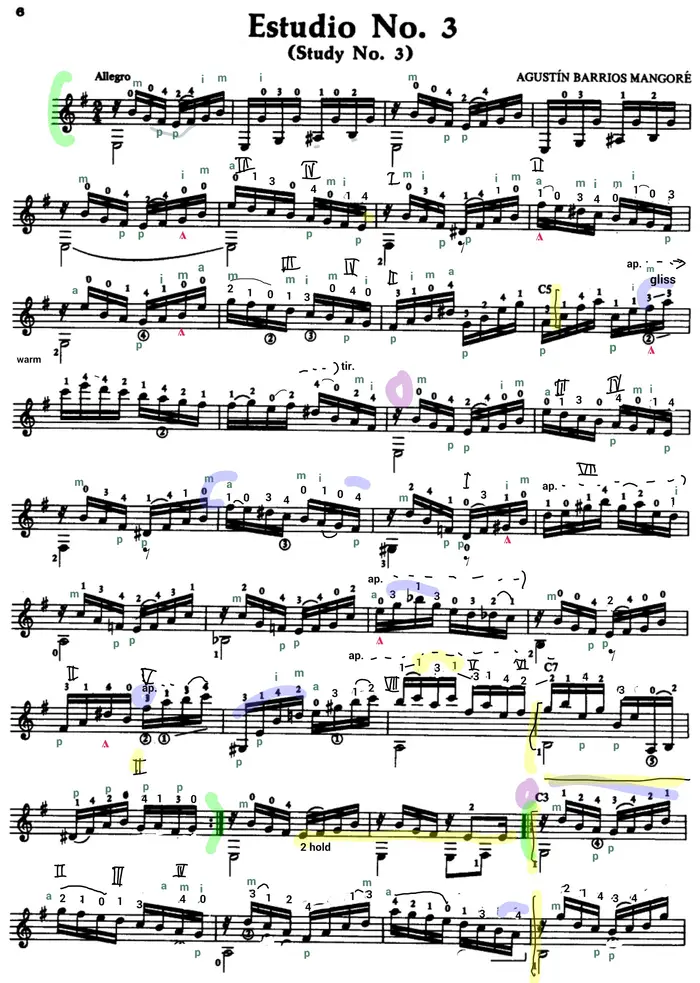
Mark the passages on your own score and rate each one as you practise. The page fills with colour: green where it holds, red where it doesn’t. A passage can feel solid at 80 BPM and fall apart at 100, so Practice Coach tracks both together and your plan targets what’s genuinely weak, not what merely feels done.
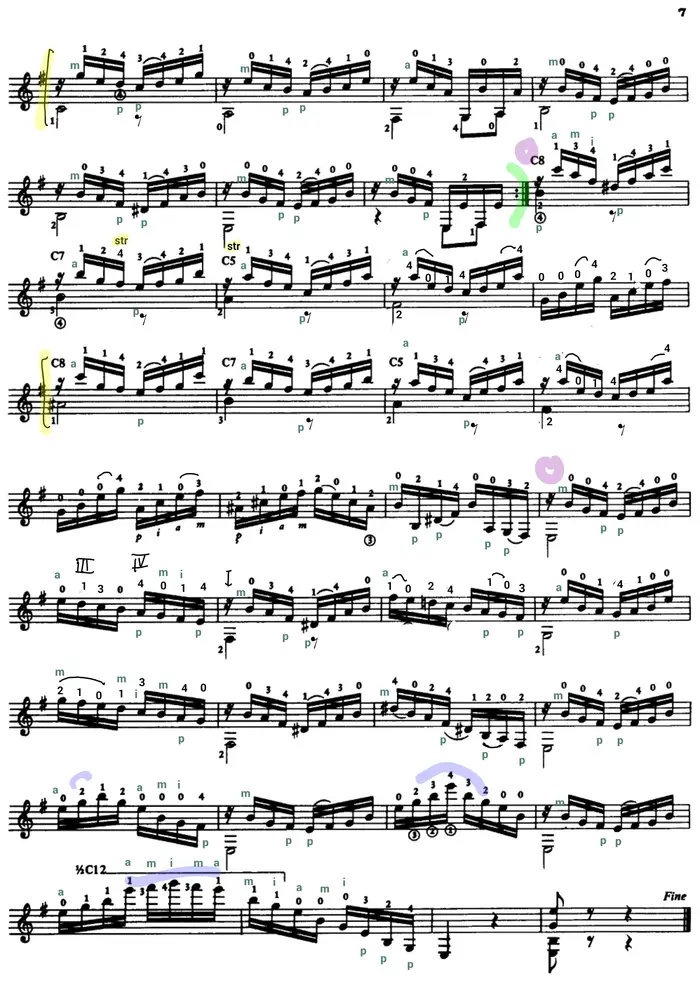
Estudio No. 3 Agustín Barrios
Try it · demo ratingsAt 84 BPM: 6 of 8 passages are Solid or better, 1 is weak.
Passage 05 · Rough at 84 BPM
Rough: gets through, with slips.
An illustration with demo ratings. In the app, every rating you give is kept with the tempo you gave it at.
How confidence and tempo workCIn the practice room
Open a passage and the rest of the page disappears. Play it, then say how it went: Clean or Slip. Reach your clean-in-a-row target and Practice Coach offers the next tempo. Tap the music where it went wrong and a flag stays on that spot until you mark it fixed.
Estudio No. 3 Passage 05
2 open flags in this passage
Better practice comes from finding problems and fixing them, not from time spent playing.
DWhat you get back
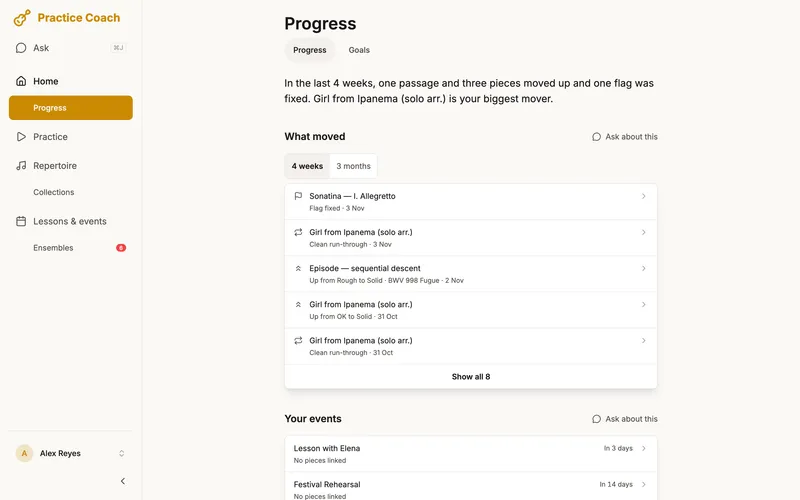
You fix a real problem today, and tomorrow you can see it. After every session Practice Coach shows what changed: the passages that moved up, the flags you fixed, the tempo you reached.
Not how long you practised, but what you fixed. Time practised is still there, alongside, as context.
EWhat it won’t do
Practice Coach is not a teacher. It never tells you how to play. It organises when and what to practise based on your data.
Ask it about technique and the question goes where it belongs: saved for your next lesson, on the piece it’s about.
How we use AIHow should I finger the run in passage 05?
That’s a great question for your teacher.
Ask my teacher: how should I finger the run in passage 05?
Saved for your next lesson.
Estudio No. 3Saved for your next lessonUndo

FThe tools
Built-in tools so you never have to leave the app mid-session.
A fresh plan every day in five blocks (Warm up, Learn, Fix, Connect, Perform), weighted by deadlines, confidence and tempo progress.
Ask from any page, by typing or by voice. One change comes with an Undo; several wait for you to confirm.
Flag a mistake on the music in two taps. It stays until you mark it fixed, and It’s back reopens it if the mistake returns.
Clean attempts in a row on every passage, with +5 BPM offered when you hit the target.
Download a piece or a whole setlist before you leave, so a missing signal at the venue doesn’t matter.
Play from the score with page turns by tap, swipe or pedal, and two pages side by side when you turn the tablet sideways.
Import a PDF score, mark passages on it, and annotate with a finger or a stylus.
Tap Smart plan on a piece for a short plan built for where it is right now, then start it.
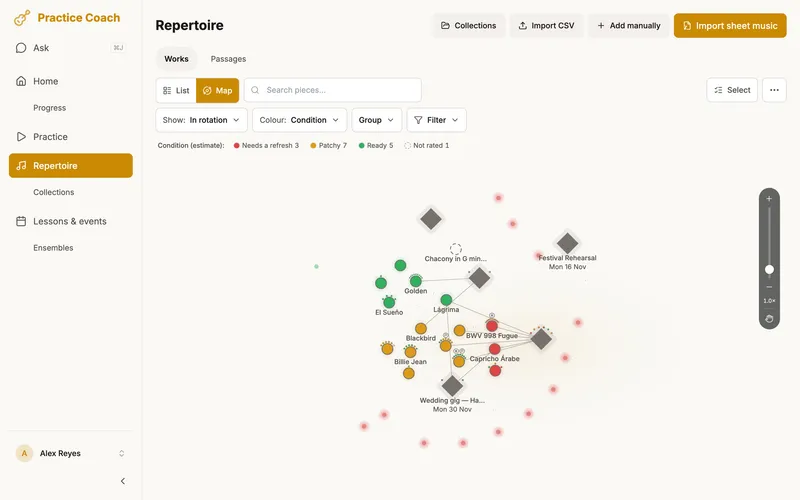
Your whole repertoire on one map, coloured by condition or another lens. More about the Repertoire map
With your email, Google or Apple.
Import a PDF score or add one by hand, or try the sample piece.
A card on Home called Your first session walks you through it: add a piece, mark a passage, start practising.
GWho it’s for
Whether you teach, perform, or study, Practice Coach fits into your workflow.
 For TeachersRun your whole studio: roster, scheduling, lesson payment tracking, and what actually happens between lessons.Learn more
 For SchoolsClass join codes, a department-wide view, and a consent model built for minors. Made for music departments.Learn more
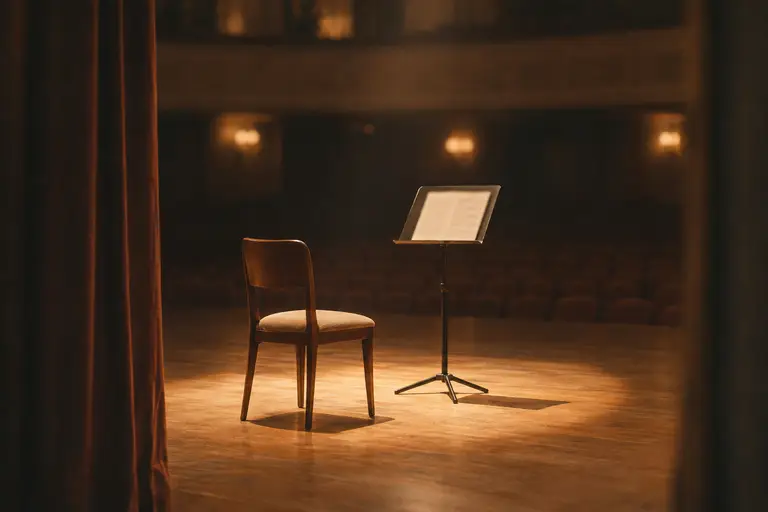 For ProfessionalsPerform from the score, take your music offline to the gig, and let the plan clear the decks before a concert.Learn more
 For StudentsPrepare for juries, exams, and recitals with deadline-aware plans built from your real progress.Learn more
Works for any instrument: piano, violin, oboe, guitar, voice.
Practice Coach Studio
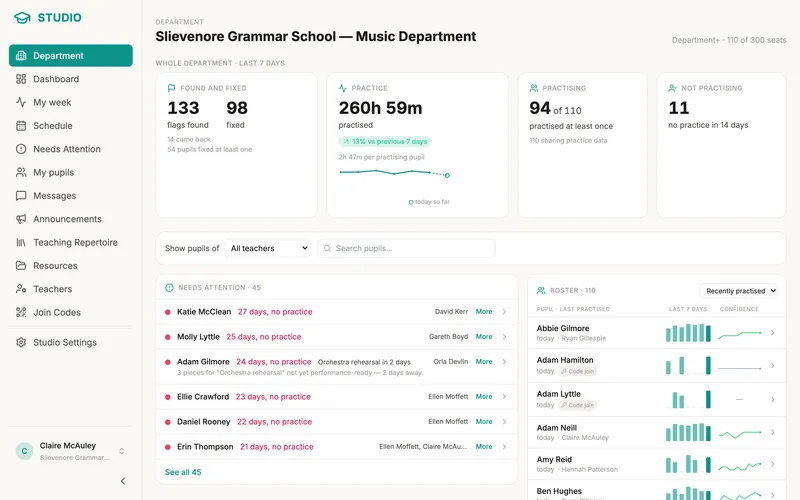
Practice Coach Studio gives teachers one dashboard for the whole studio: practice pulse, students who need attention, lessons, and the admin that usually lives in three other apps.